
Have you logged the wrong duration, written an incorrect comment or created an entry that should not exist? Jira Cloud lets you edit or delete worklogs from the issue's activity when you have the required permissions.
If you do not yet know which entry is wrong, start by reviewing today's Jira hours. If the entry does not exist yet, see how to log time without mistakes.
Quick answer
Open the issue or work item and go to Activity > Work log.
- Edit if the work happened but its date, duration or description is wrong.
- Delete if the entry should not exist, for example because it is duplicated.
- Modifying your own or another person's entries requires specific edit or delete permissions.
- After saving, check the worklog and remaining estimate again.
Before changing an entry
Check the author, start date and time, duration, description, issue and remaining estimate before the change. The issue's total time is not a substitute for this review: it can include entries from other dates or people.
| Situation | Suggested action | Essential verification |
|---|---|---|
| Incorrect duration, date or description | Edit | Entry and remaining estimate |
| Duplicate entry or work that did not happen | Delete | Logged total and remaining estimate |
| Work attached to the wrong issue | Correct the original and log against the destination following the team's procedure | No gap or duplicate remains |
| You cannot determine what happened | Do not change anything yet | Consult the source or person responsible |
How to edit a worklog
- Open the issue or work item.
- Go to Activity and select Work log.
- Locate the exact entry and choose Edit.
- Correct only the necessary fields.
- Review the proposed remaining estimate.
- Save the changes.
- Reopen the entry and check author, date, duration, description and estimate.
Atlassian documents this flow in Log time on a work item. Control labels and positions may vary by language, configuration or rollout.
How to delete a worklog
- Open the issue and go to Activity > Work log.
- Identify the entry by author, date, duration and description.
- Choose Delete.
- Review what will happen to the remaining estimate.
- Confirm deletion.
- Check that the entry has disappeared and that the total and estimate make sense.
Editing and deleting require separate permissions. If work was logged against the wrong issue, deleting the original and creating the correct entry are separate operations. Verify the first before performing the second to avoid a gap or duplicate.
What happens to the remaining estimate
Jira distinguishes time spent, remaining estimate and original estimate. When you edit or delete a worklog, Jira may recalculate some values from the previous state or ask for a manual decision.
When deleting, the interface may offer to add the deleted time back to the remaining estimate or set a new estimate. There is no universally correct choice: it depends on the work actually left to do. Do not force a figure just to make the apparent total match.
Required permissions
| Action | Usual permission |
|---|---|
| Edit your own entry | Edit own worklogs |
| Edit another person's entry | Edit all worklogs |
| Delete your own entry | Delete own worklogs |
| Delete another person's entry | Delete all worklogs |
| Log new time | Work on work items |
You also need access to the issue or space. If Edit or Delete is missing, check that you are viewing Activity > Work log, confirm who created the entry and ask an administrator to review the permission scheme. A third-party time tracking provider may use a different flow.
Synthetic example: DEMO-24
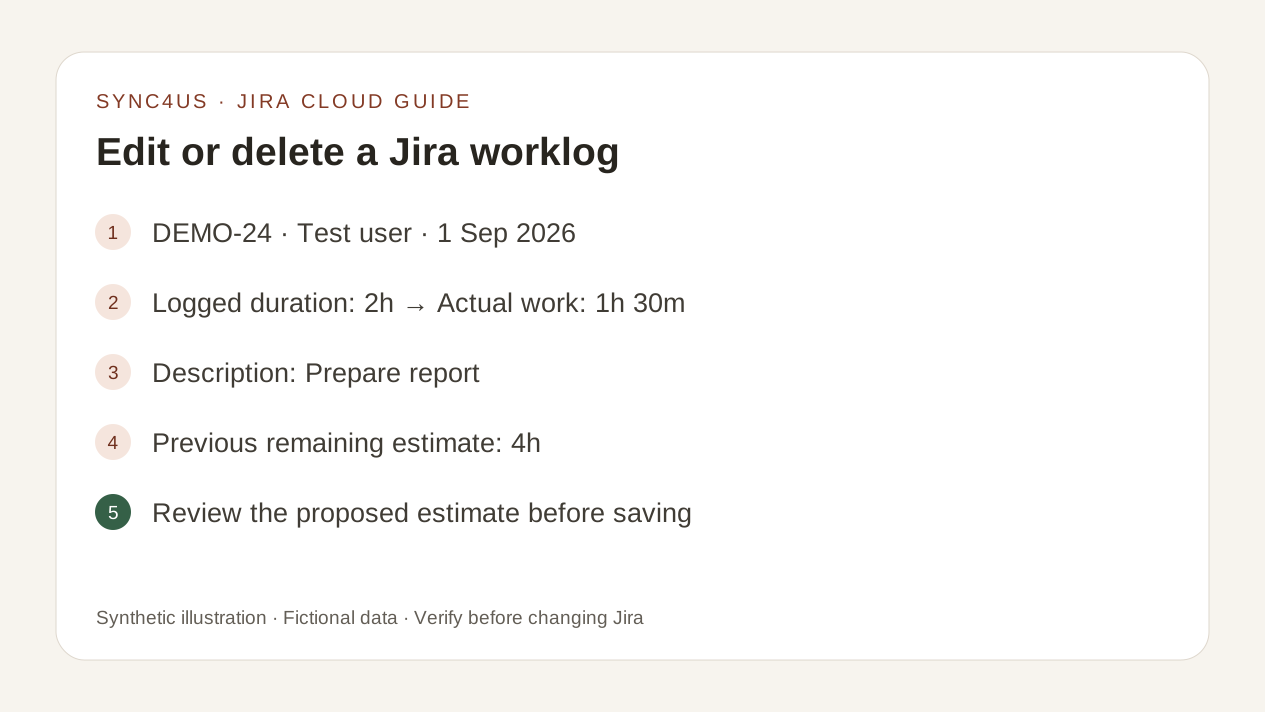
Consider a fictional issue DEMO-24 with a worklog dated 1 September 2026:
- author: Test user;
- logged duration: 2 h;
- description: Prepare report;
- remaining estimate before editing: 4 h.
The actual work took 1 h 30 m. Edit the duration, review the proposed estimate, save and check the result again. The example does not prescribe the final estimate: that depends on how much work is actually left.
Verification checklist
- The entry you intended to change is the correct one.
- The author, date and issue are still correct.
- The duration and description reflect the actual work.
- Moving work between issues has not created a gap or duplicate.
- The total logged time makes sense.
- The remaining estimate represents work still to do.
- You checked the result again after saving.
Common mistakes
- Editing the issue and assuming you edited the worklog.
- Assuming that permission to edit also allows deletion.
- Changing another person's entry without identifying it correctly.
- Ignoring the effect on the remaining estimate.
- Logging against another issue before confirming the original was corrected.
- Applying Jira Server or third-party provider instructions to Jira Cloud.
Where Sync4us fits
Sync4us lets you view the day's Jira entries and treats each edit or deletion as a separate external operation. Changing a local block does not silently modify an existing worklog.
From View entries in Jira, editing or deleting requires an explicit action and confirmation. Afterwards, Sync4us queries the result again and recalculates the day. The label may differ with the desktop app's language setting.
Sync4us is available as a free beta for Windows. Verify your email and activate your personal workspace automatically while places are available.
Frequently asked questions
Why can't I edit my own worklog?
You can have access to an issue without Edit own worklogs. A third-party time tracking provider can also affect the flow. Ask an administrator to check configuration and permissions.
Can I edit or delete another person's worklog?
Only if your permission scheme grants Edit all worklogs or Delete all worklogs, respectively. These are separate permissions.
Should I edit or delete an incorrect entry?
Edit if the work happened and only some values are wrong. Delete if the entry should not exist. If you cannot verify what happened, do not change it yet.
Does deleting a worklog delete the issue?
No. It deletes that time entry, not the issue or work item.
Why did the remaining estimate change?
Time spent and the remaining estimate are connected by configuration and the option chosen when modifying the entry. Always check the resulting value.
Do I need to be an administrator?
Not necessarily. You need access to the issue and the specific permission for the action. An administrator can review or change the permission scheme.
Official sources
- Log, edit and delete time on a work item — Atlassian Support
- Time tracking permissions — Atlassian Support
- Configure time tracking — Atlassian Support
- Types of activity on a work item — Atlassian Support
- Permissions in team-managed spaces — Atlassian Support
The original sources were reviewed on 1 September 2026. Atlassian is gradually replacing issue and project with work item and space. This guide also uses “issue” where it is more familiar.